AVAILABLE NOW
HRTEQ for Android
Your recruitment companion, ready when you are. Download the official, signed Android app directly from our GitHub release.
Download for AndroidAndroid 8.0+Version 1.0.323.8 MB
Release notes 
YOUR NEXT CHAPTER, ON THE GO
A little closer to what’s next. Explore jobs, send your documents, and follow your application—all from your phone.
Android 8.0+·v1.0.3·23.8 MB
New to APKs? Here’s how to install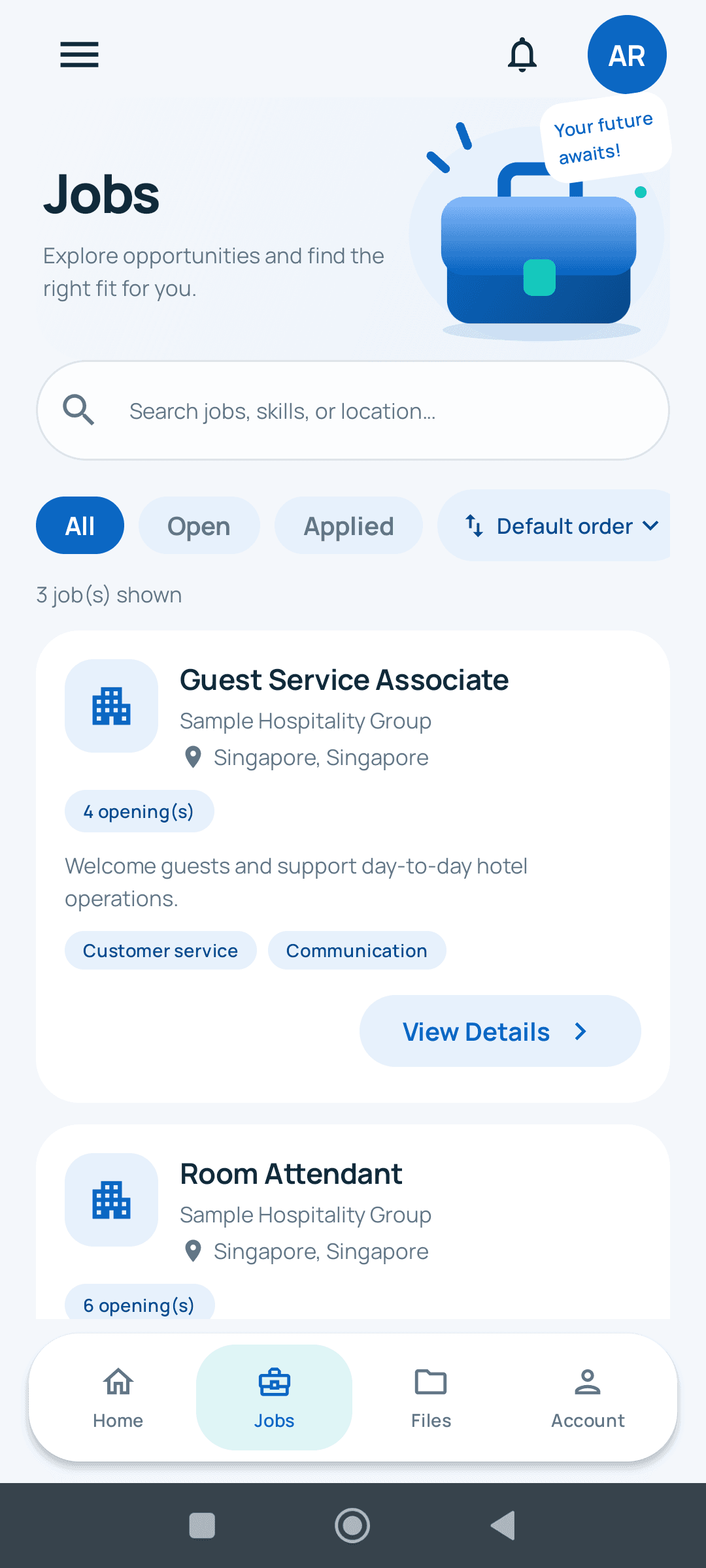

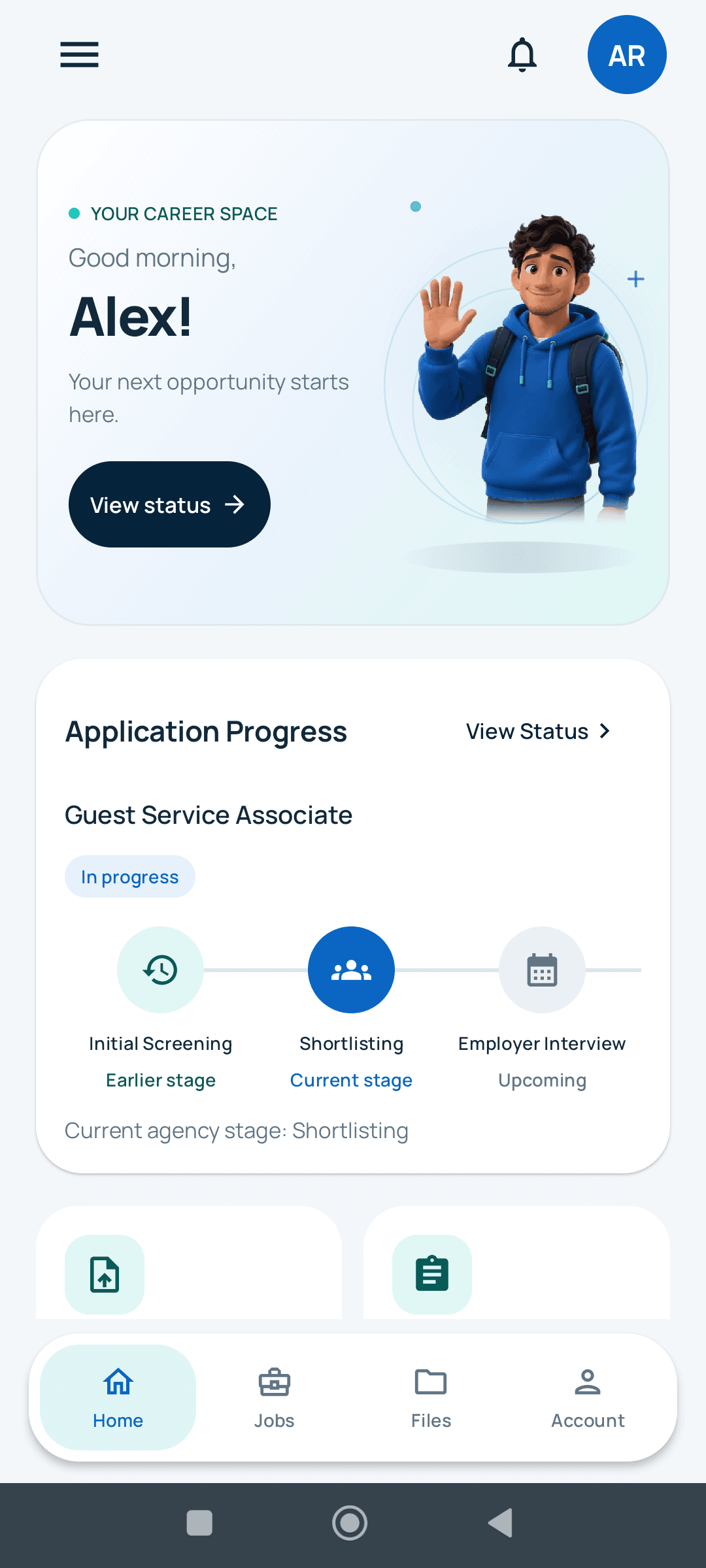
Actual HRTEQ app screens · Illustrative sample data
WHEREVER YOU ARE
Start on your phone. Pick up in your browser. Your account stays with you.
Your recruitment companion, ready when you are. Download the official, signed Android app directly from our GitHub release.
Download for AndroidUse the HRTEQ website on iPhone, iPad, Windows, or Mac. Sign in to view your account and manage your application.
Open HRTEQ webAn iOS app isn’t available yet. You can use the website on your iPhone today.
LESS GUESSING. MORE MOVING FORWARD.
A clearer view of your application, in one place.
Browse your agency’s published openings, search for a role, read the details, and apply when your profile is complete.
Complete your profile, submit required files, and see your application overview without losing track of the essentials.
Check your current stage and refresh for your agency’s latest updates. Hiring decisions and timelines remain with your agency.
These are screenshots of the real Android interface using fictional sample profiles and jobs. Available roles, requirements, and stages depend on your agency.
A FEW TAPS FROM HERE
This is a direct Android download—not a Google Play listing. Install only the official HRTEQ APK linked on this page.
Signed by HRTEQ.
View the SHA-256 checksum
Open this page on your Android phone and tap Download for Android. The file comes from our public GitHub releases.
If Android asks, temporarily allow your browser or file manager to install this app. Keep Play Protect enabled; you can turn off that install permission afterward.
Create an account, verify your email, and complete your profile. Then explore available jobs and follow your applications.
GOOD TO KNOW
The native app supports Android 8.0 and newer. There is no native iPhone app yet; use HRTEQ in your browser on iOS.
No. Use your existing applicant or employer email and password. New applicants verify their email and complete the four-step profile before applying.
This first public Android release supports email signup, email/password sign-in, and email-code password recovery. Google sign-in will be enabled after the release certificate is registered with Google. Google-only accounts are not supported by this APK yet.
This release is distributed directly through HRTEQ’s public GitHub releases, not Google Play. Check that the repository is preymium5-ctrl/HRTEQ-Mobile-Releases before downloading.
Earlier test builds use a different signing key, so Android may not install this public release over them. Don’t remove a test build with unsaved drafts. Contact your HRTEQ administrator for help switching. Future public releases will use the same release-signing key.
No. Complete your profile, open an available job, review its details, and choose Apply now. You can then follow the application in the tracker. Job availability and hiring outcomes are managed by the recruiting agency.
THE NEXT STEP IS YOURS
Android 8.0+ · Official HRTEQ download